
Scheduled screen media
Plan what your screens show, and when.
Put a message on the shop floor, choose the screens that carry it, and set its time. Explore a retail example below.
Retail example / North & Co, Newcastle









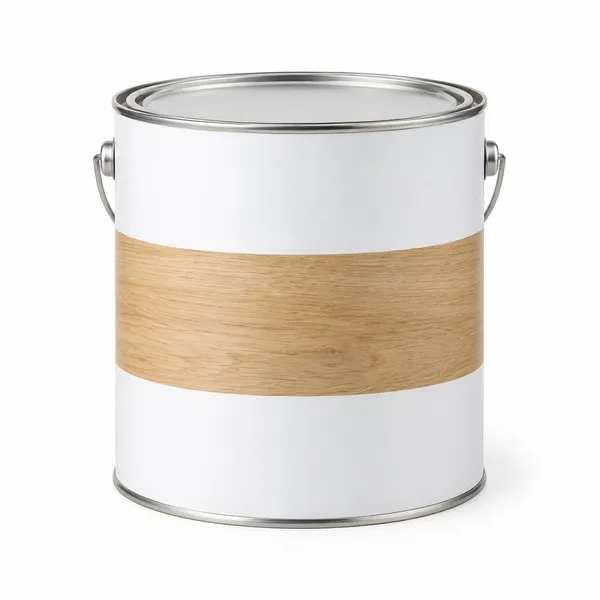
Seasonal woodcareFind the right finish for the job.Example scheduled creative
RTap to ask a question
Idle state: the full-screen creative occupies the idle display and a touch dismisses it.
Screen campaignControls media, destination and time.
Business guidanceSeparately shapes relevant conversational behaviour.