Stage 01
A screen suited to the space.
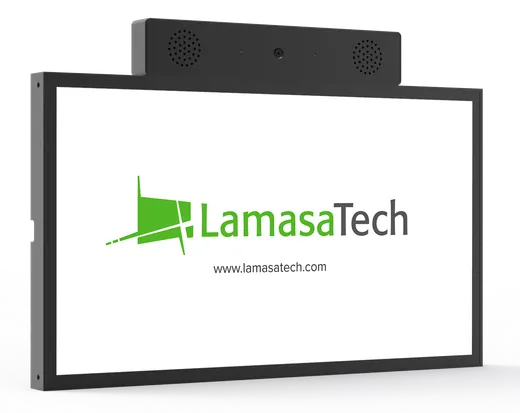
Choose a RAVO screen or assess an existing compatible touchscreen, including placement, sound, network and interaction conditions.
Example route: Muro Canvas, subject to installation scope Book a demo
A clear route from choosing the right setup to bringing RAVO into your location.
Choose the screen, prepare the information and business guidance, then shape the identity and connect the experience to its location.
One fictional deployment, built through the stages.
Choose a RAVO screen or assess an existing compatible touchscreen, including placement, sound, network and interaction conditions.
Example route: Muro Canvas, subject to installation scopeLate checkout until 1 pm is available on Sundays, subject to availability. Reception can confirm it when the guest arrives.
Prepare the documents, pages or catalogue that should inform the assistant. Bring representative customer questions. Set the business instructions, including where your team should take over.
Test question: “Can I check out late on Sunday?” Presenter
 Character
Choose a character or presenter. Use your logo and palette to create a starting theme while the conversation stays central.
Explore Brand Identity ↗SiteRiverside Hotel
DeviceLobby screen
AssistantGuest information
Connect the site, device and assistant, then check the local setup and representative questions before rollout. Select the areas and devices for any scheduled screen media separately.
Name the people responsible for information, screen content and the deviceExample planning views. Hardware, services, responsibilities and acceptance checks are confirmed for each deployment. Global support is available, with hours and service arrangements agreed for your deployment.
Start with a question your customers actually ask, and explore how it could be answered on screen.